Sitewright
A skill for Claude Code · MIT licensed

Tell Claude your brand. Get a working website.

Sitewright generates a complete Next.js site, backend included, from six modules you pick — landing page, sign-in, authenticator MFA, records dashboard, release publishing and a connect-your-phone page. Your colours, your words, your data. Then it tests the result in a real browser, at desktop and phone sizes.

$ git clone https://github.com/raj742133/sitewright && cd sitewright && ./install.sh
6modules, pick any
88browser checks on the full kit
3screen widths tested
0invented facts or numbers
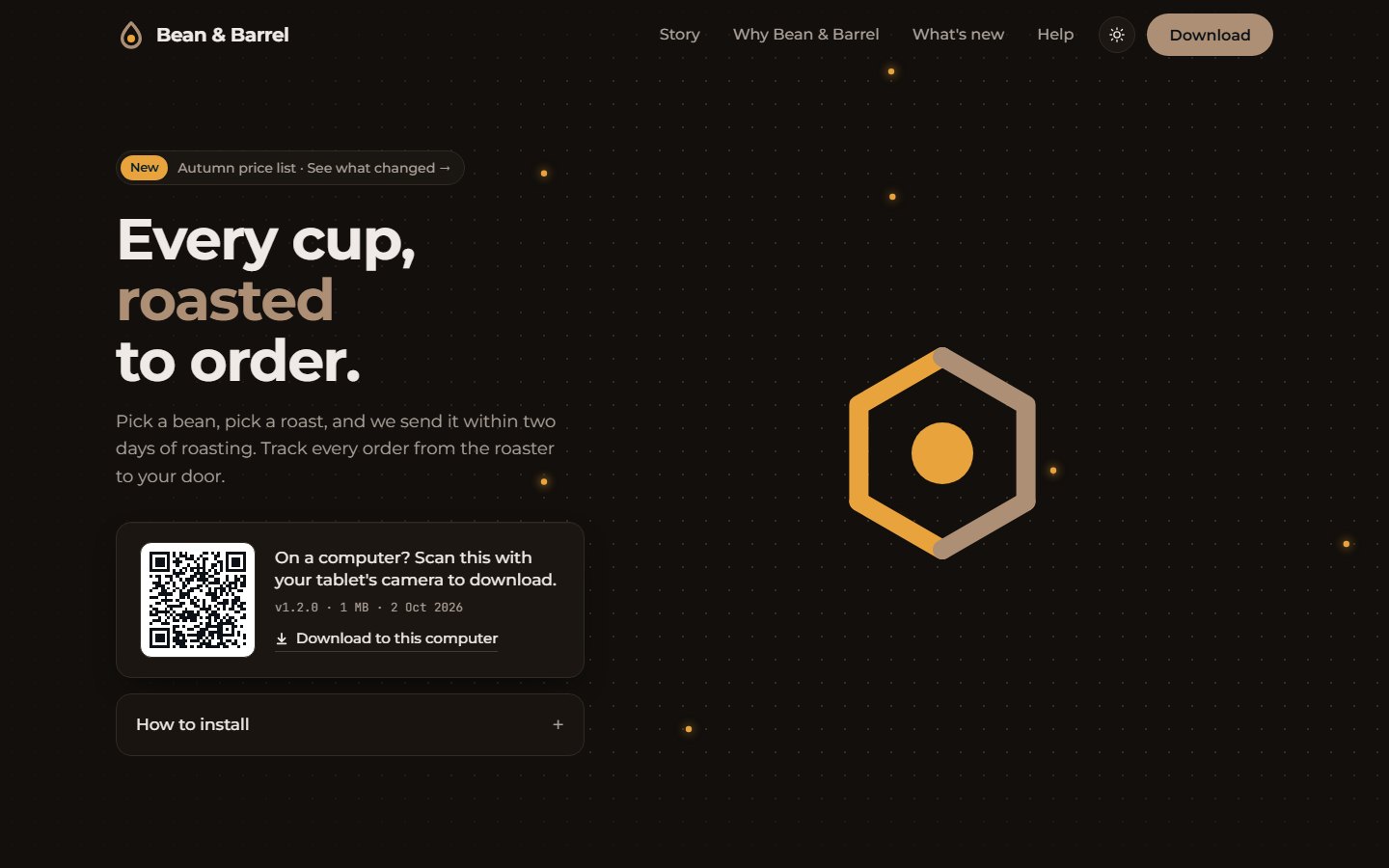
beanandbarrel.example — generated by Sitewright
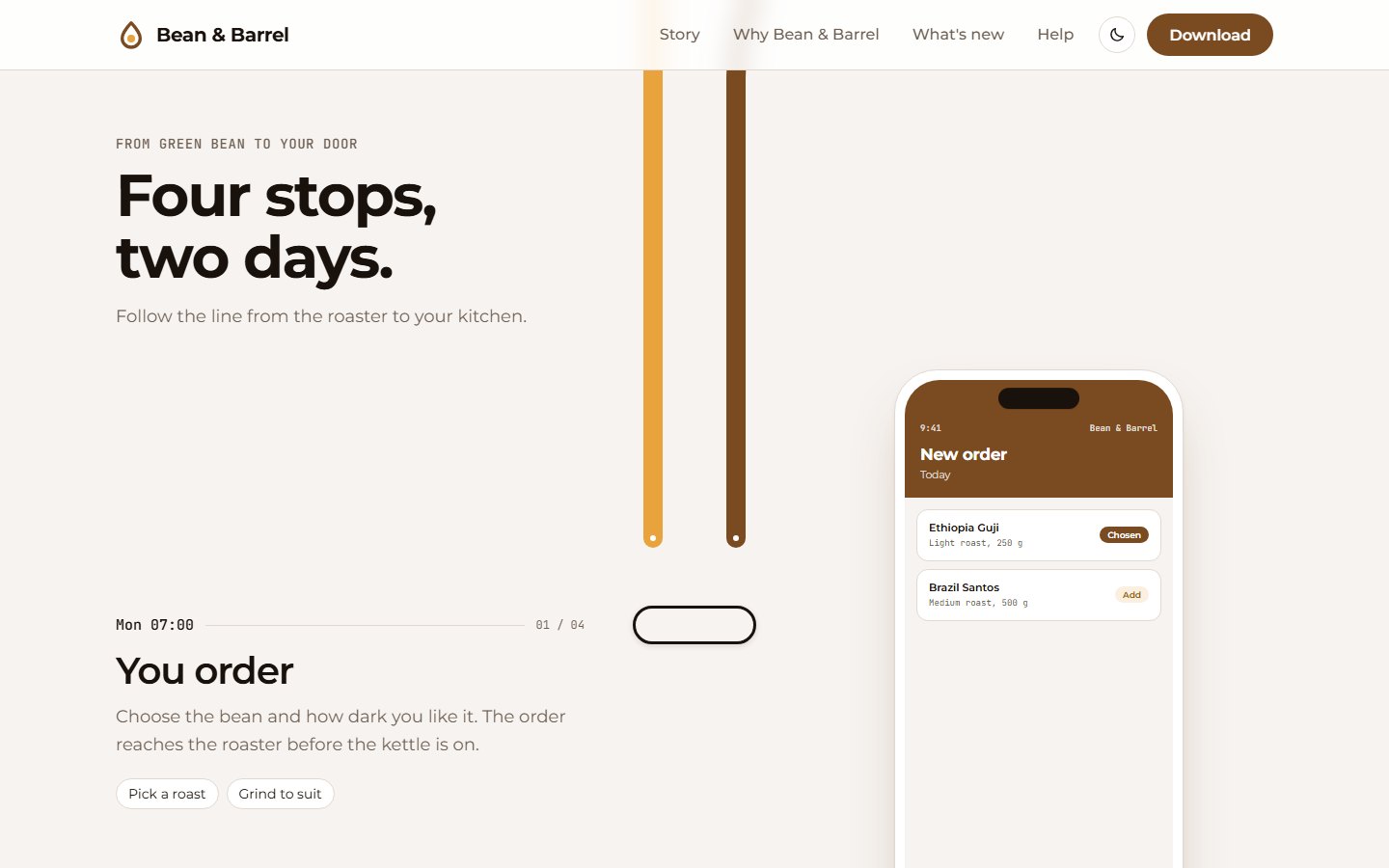
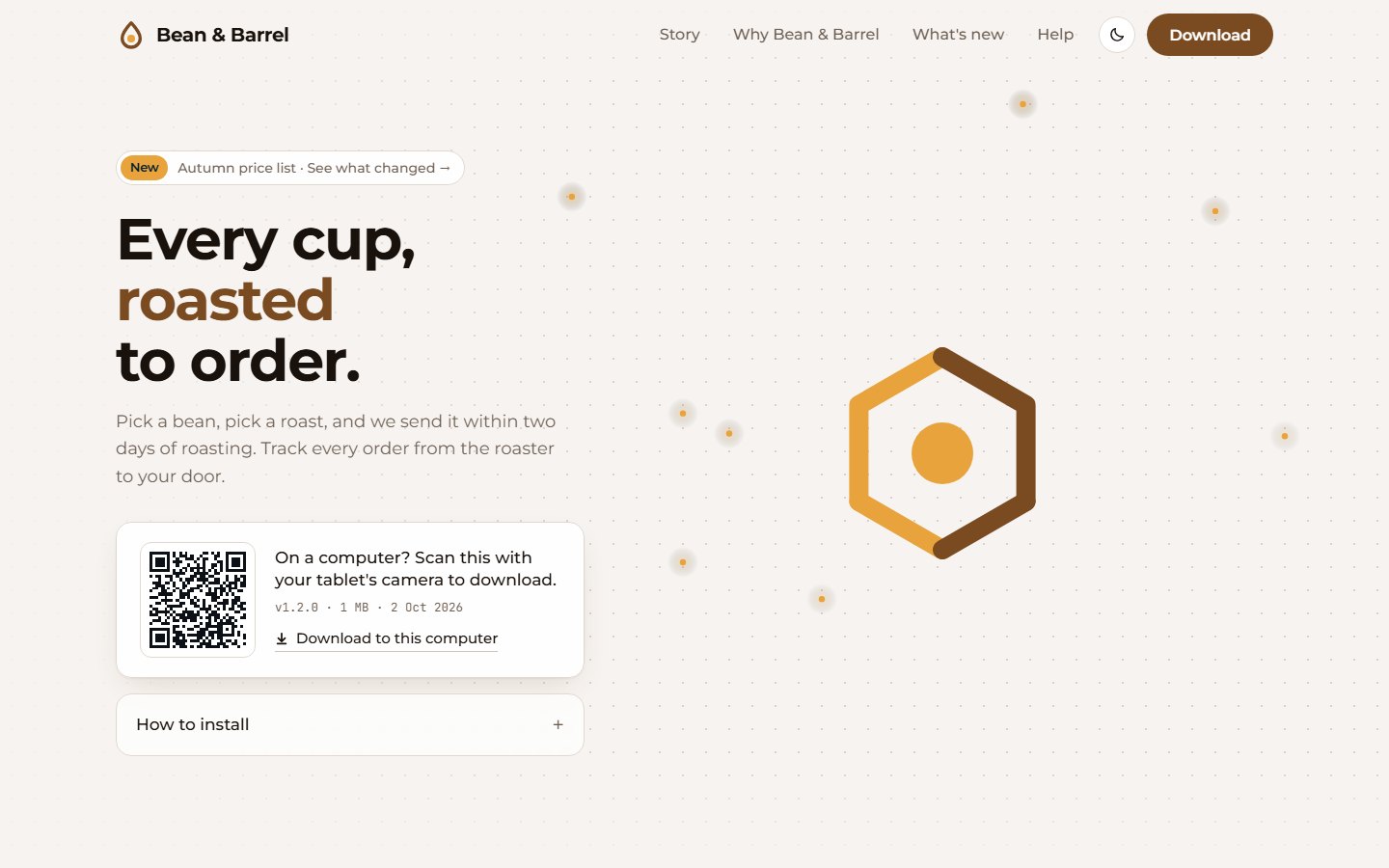
A generated landing page for a fictional coffee roaster, Bean & Barrel: headline, download card with QR code, brown and amber palette
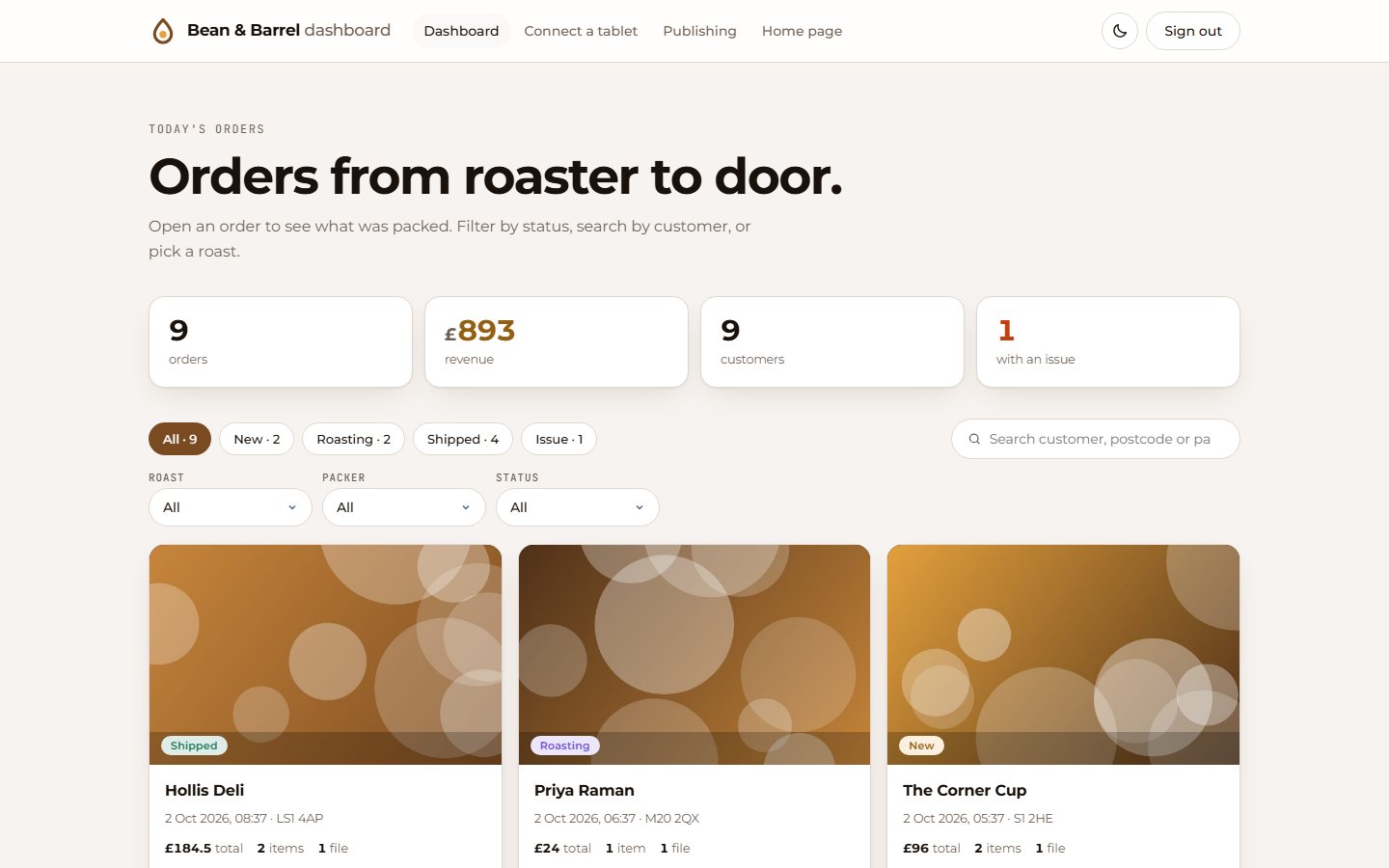
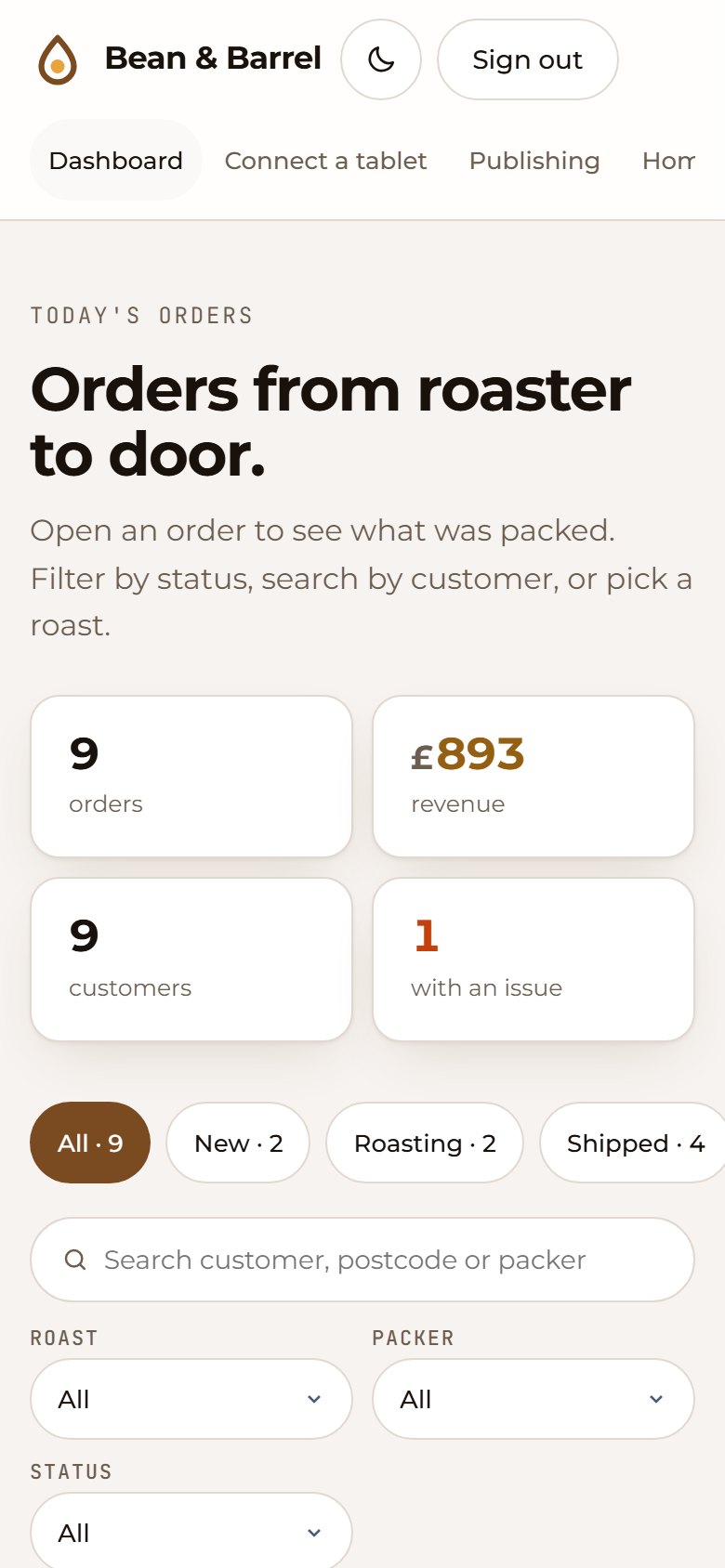
The generated orders dashboard with stat cards and order cards
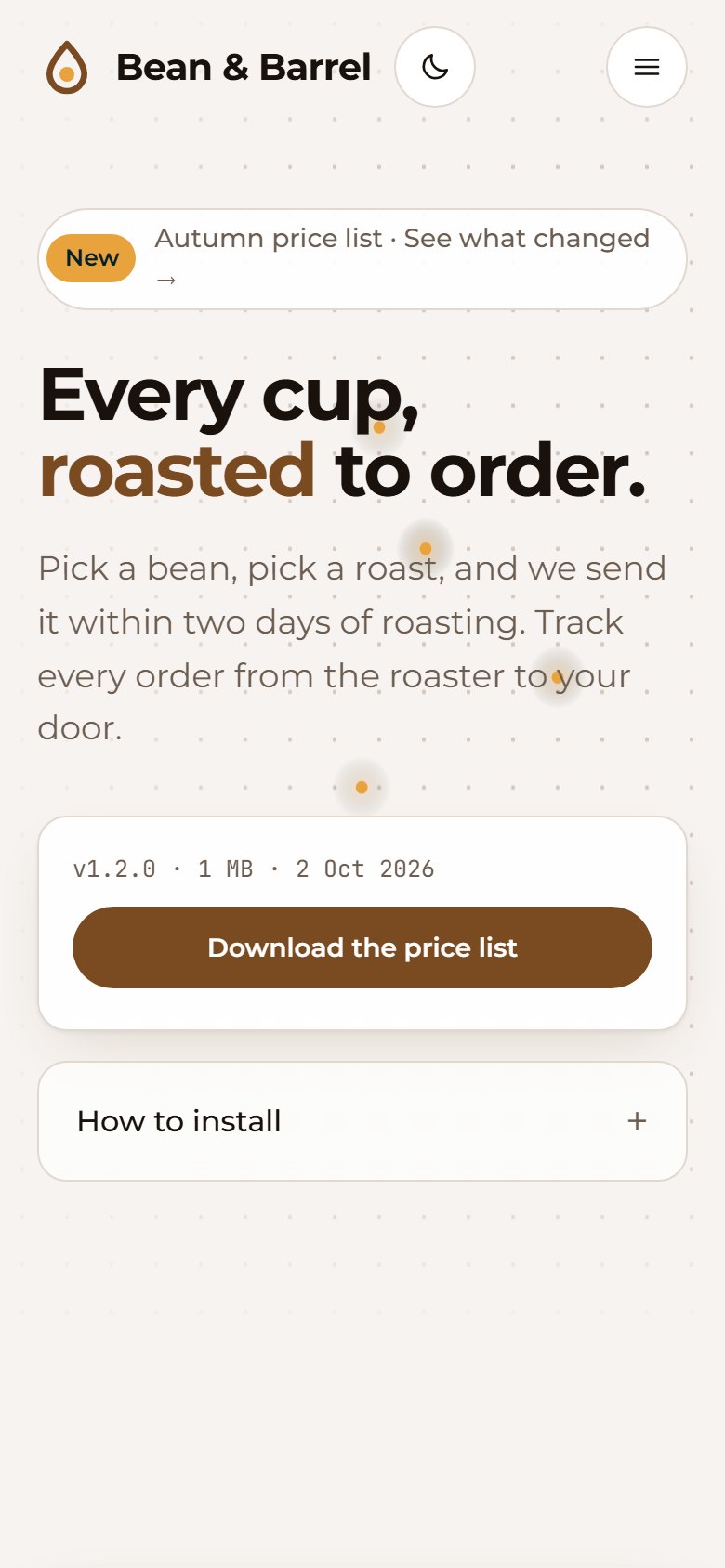
The same landing page on a phone
Modules

Pick the pieces. Skip the rest.

Each module is a self-contained slice of the site with its own pages, API routes, database tables and settings. Choose one or all six; dependencies are added for you.

Landing page story section with a phone mock-up

Landing page landing

A public home page with an animated mark, a scroll-driven story with phone mock-ups, proof numbers, features, FAQ and a download card with a QR code.

  • Headline, steps and FAQ come from your config
  • Proof and feature sections stay off until you give real facts
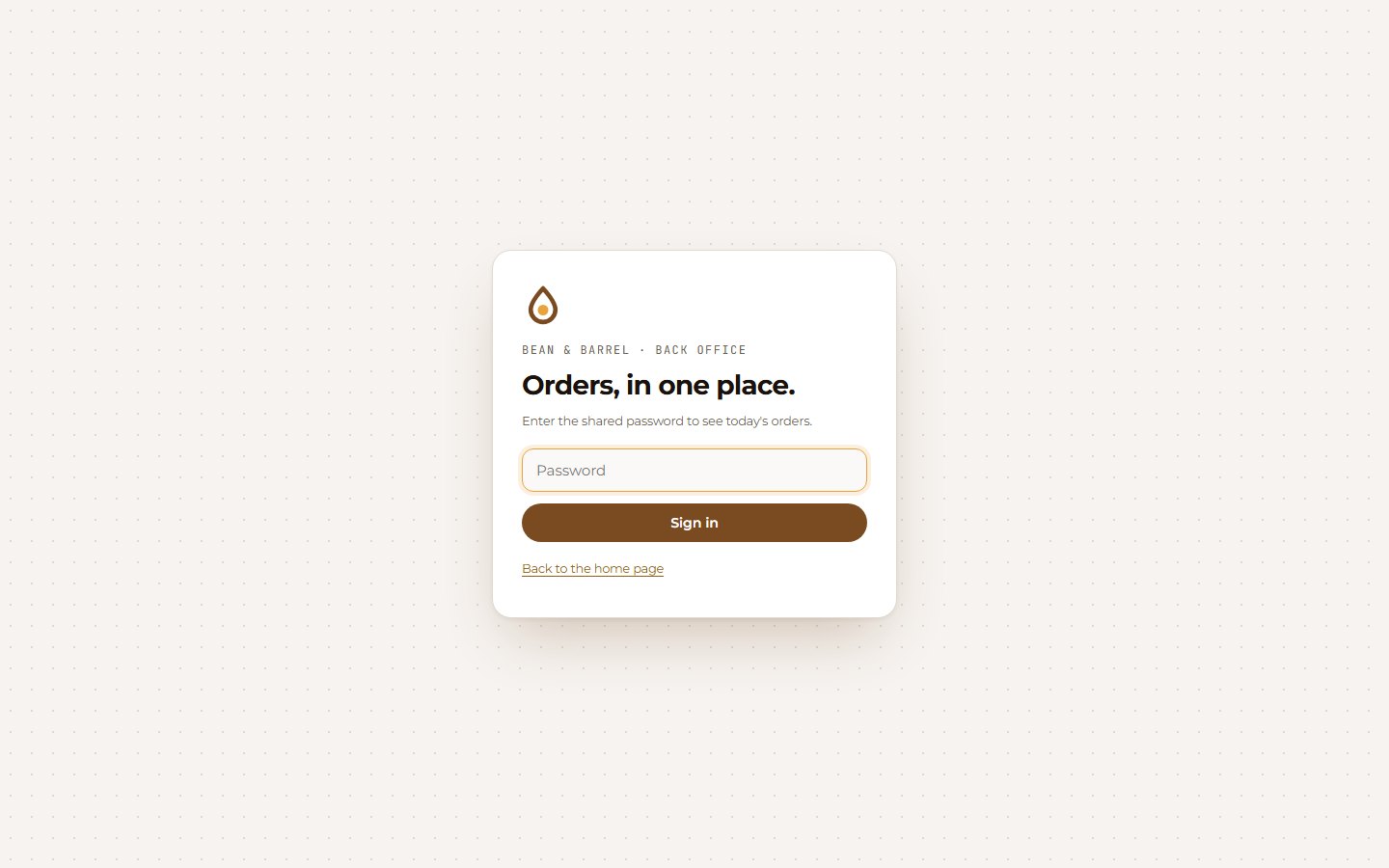
Shared password sign-in page

Sign in signin

A shared-password gate in front of the private pages: signed cookie, constant-time compare, safe ?next= redirect, edge middleware.

  • API callers get 401, not a redirect page
  • Open-redirect attempts are ignored
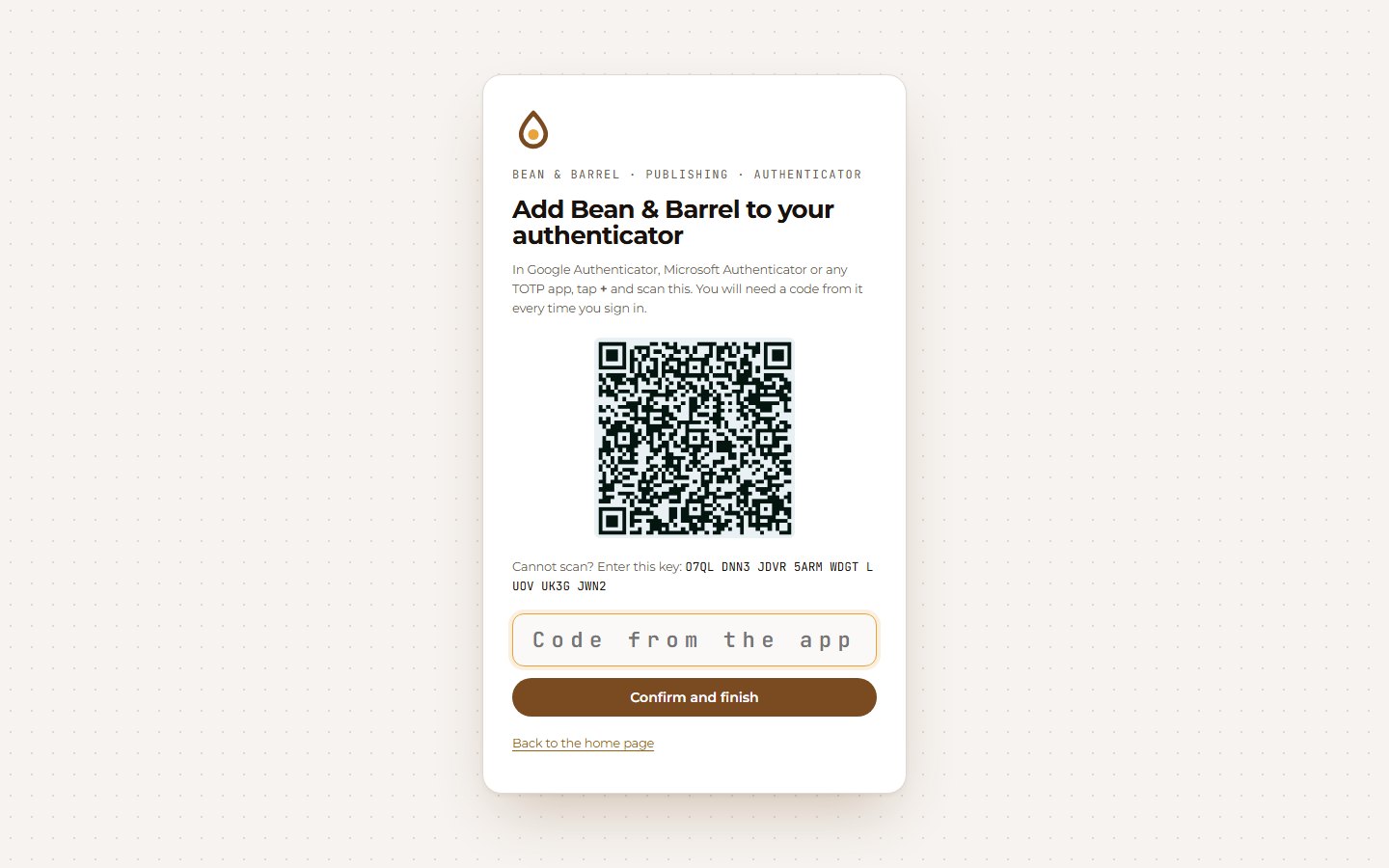
Authenticator enrolment screen with a QR code

MFA accounts mfa

Named accounts with password and authenticator-app codes. First-run setup, single-use invite links, lockout and an activity log.

  • TOTP ±1 step, a used code is refused
  • 5 wrong tries lock the account for 15 minutes
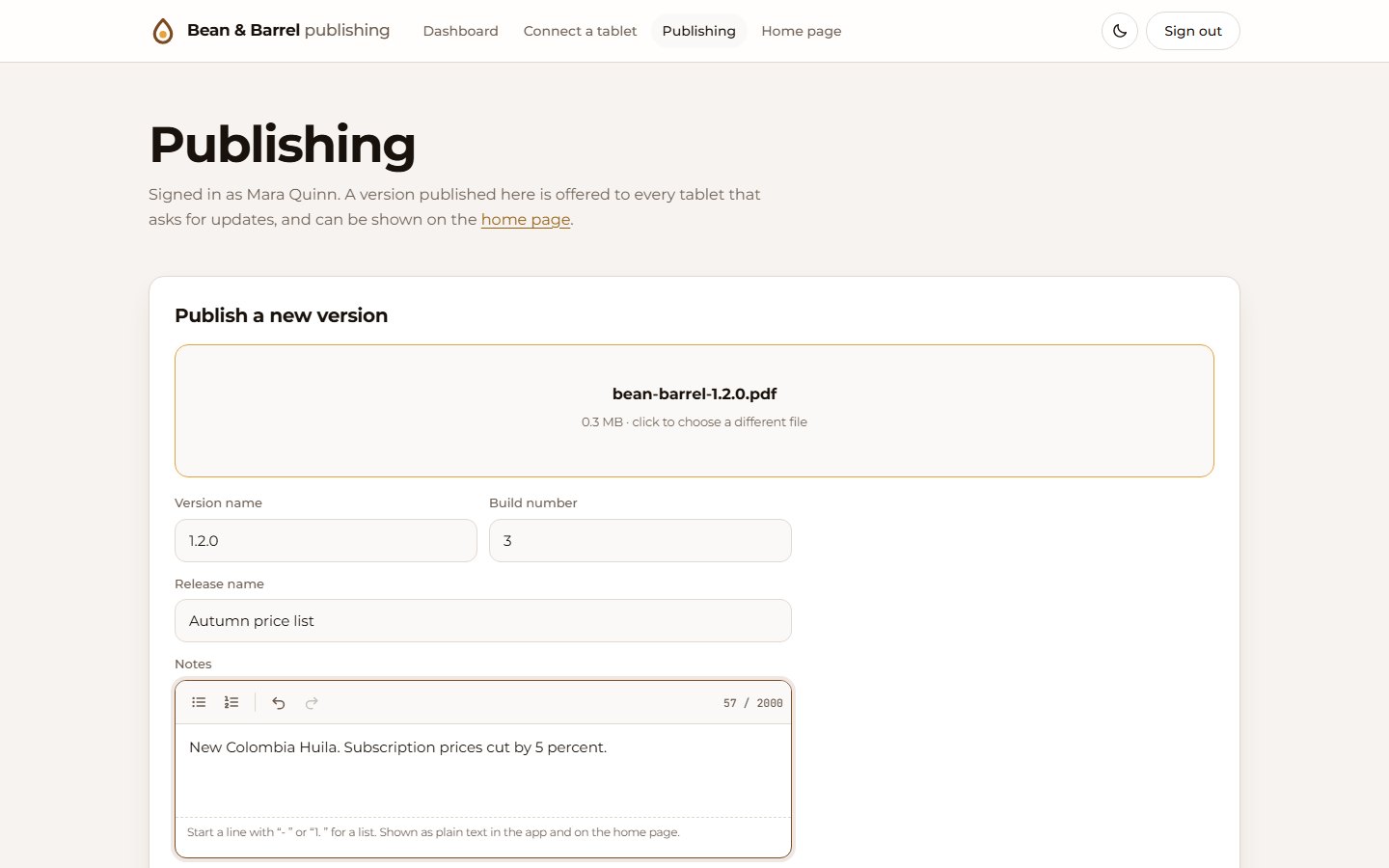
Publishing form with file drop zone and release notes editor

Publishing publishing

Upload a version, write notes in a rich editor, choose stable or testing, show it on the home page. Real APK parsing, or any file types you list.

  • Build numbers must rise; downloads are byte-identical
  • Testers get codes and see testing builds only
needs: mfa (added automatically)
Dashboard with stat cards, filter chips and record cards

Dashboard dashboard

Stat cards, status chips, search and facet filters over a card grid of records, plus a detail page with files, line items and one-click status changes.

  • You name the statuses, labels and metrics
  • Fed by the ingest API, idempotent per record id
needs: signin, api (added automatically)
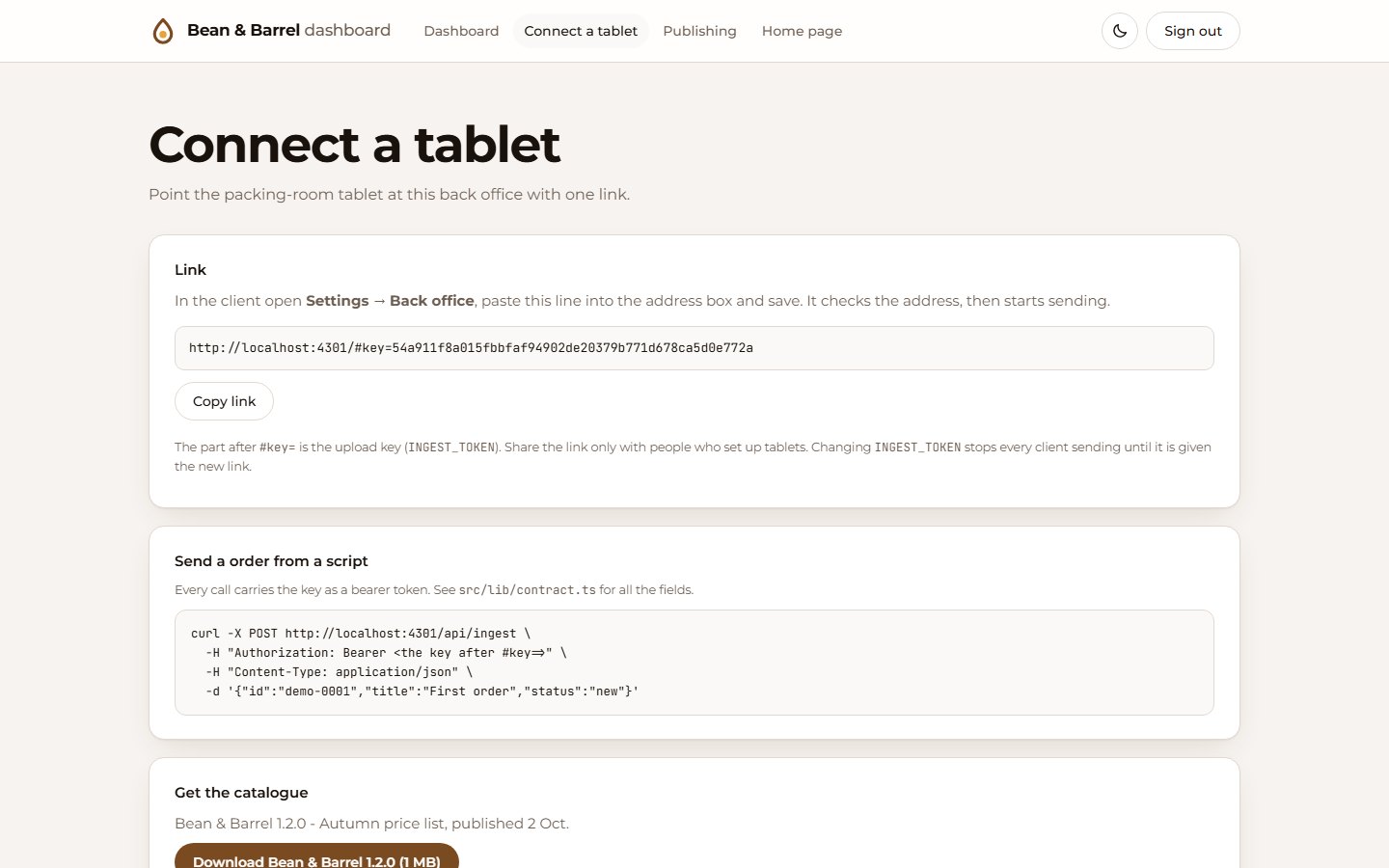
Connect a tablet page with a link and a curl example

Connect to phone connect

One page that shows the link (address plus key) to paste into your app, a copy button and a ready-made curl example.

  • The key stays in the URL fragment, never sent to the server
  • Uses the same ingest token as your clients
needs: signin, api (added automatically)
How it works

Four steps, one conversation.

You describe the site; Claude does the rest and shows its work. The panel on the right is real output from a run of the kit.

claude — Sitewright
you    Use Sitewright to make a landing page, a dashboard and
       a connect page for my coffee roastery, Bean & Barrel.

claude Which modules do you want?
       [x] Landing page
       [x] Dashboard
       [x] Connect to phone
       [x] Sign in
       [ ] Publishing page
       [ ] MFA accounts

you    All the ticked ones. Brown and amber, a drop logo.
       We call them orders, and the device is a tablet.

claude Got it. Statuses for an order? (new, roasting,
       shipped, issue) And one number to total up?
       (order total, in £)
// site.json (shortened)
{
  "brand": {
    "name": "Bean & Barrel",
    "logo": { "style": "drop" },
    "colors": { "primary": "#7a4a21", "signal": "#e8a33d" }
  },
  "vocab": { "record": "order", "records": "orders", "device": "tablet" },
  "modules": ["landing", "signin", "dashboard", "connect"],
  "dashboard": {
    "statuses": [ new, roasting, shipped, issue ],
    "metrics": [{ "key": "total", "unit": "£" }]
  }
}
$ node scaffold.mjs --config site.json --out ./bean-and-barrel

sitewright: wrote 56 files to ./bean-and-barrel
  brand    Bean & Barrel (bean-and-barrel), logo drop,
           primary #7a4a21, signal #e8a33d
  modules  api, signin, landing, dashboard, connect
           (added as dependencies: api)
  sign-in  password (development only; stored in .env.local)
  api key  (Bearer token for /api/ingest)

  next:  cd bean-and-barrel && npm install && npm run dev
$ node verify.mjs --site ./bean-and-barrel

  ok    landing · mobile: no horizontal scroll after scrolling
  ok    sign-in · an open redirect in ?next is ignored
  ok    api · ingest stores a record with its file, and is idempotent
  ok    dashboard · mobile: a status chip filters
  ok    dashboard · mobile: dashboard controls are finger-sized
  ok    connect · mobile: shows the link with the key and copies it
  ok    hydration · /dashboard hydrates cleanly 6 times
  ok    console · no browser console errors

All checks passed (screenshots + report.json saved)
Effects

Add motion, without adding a library.

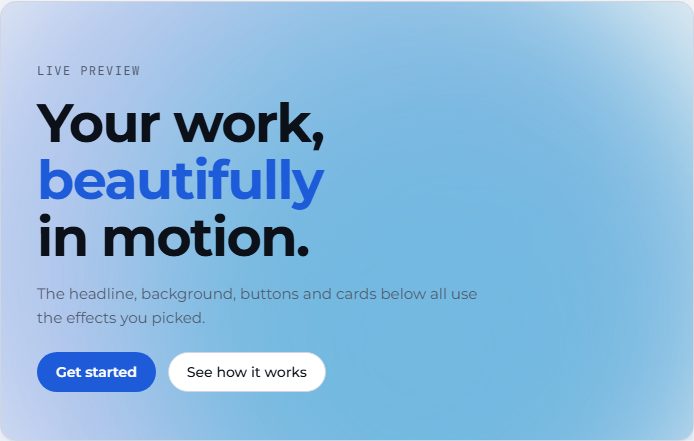
An optional style layer: animated hero backgrounds, headline animations and button and card micro-interactions, picked from a menu. Original, dependency-free code (no GSAP or Three.js), so a site only carries the effects it chose.

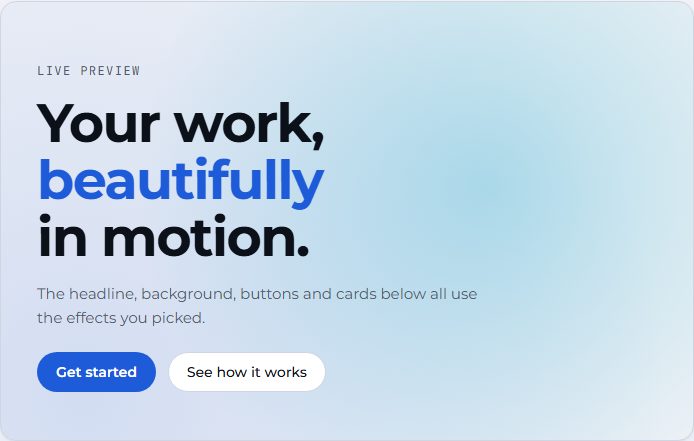
Aurora hero background behind a headline
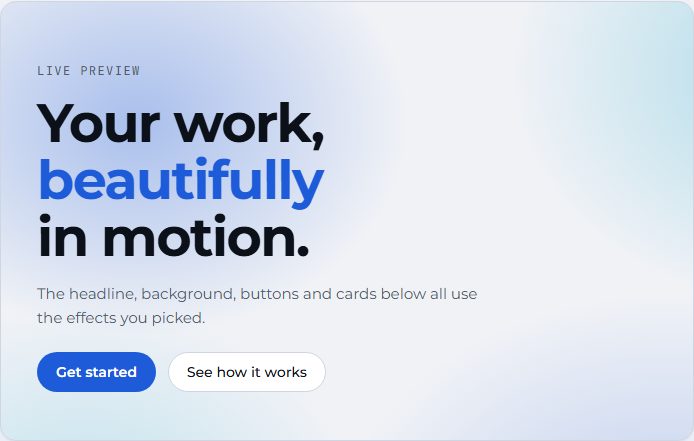
AuroraSoft colour clouds drifting. CSS only.
Gradient mesh hero background behind a headline
Gradient meshA slowly shifting mesh. CSS only.
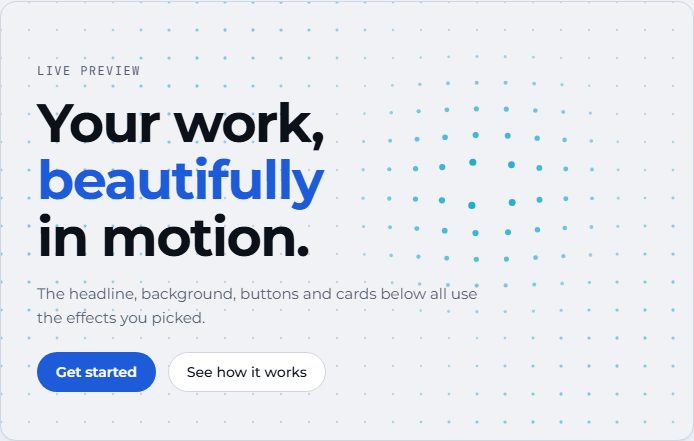
Dot grid hero background behind a headline
Dot gridDots swell and glow around the pointer.
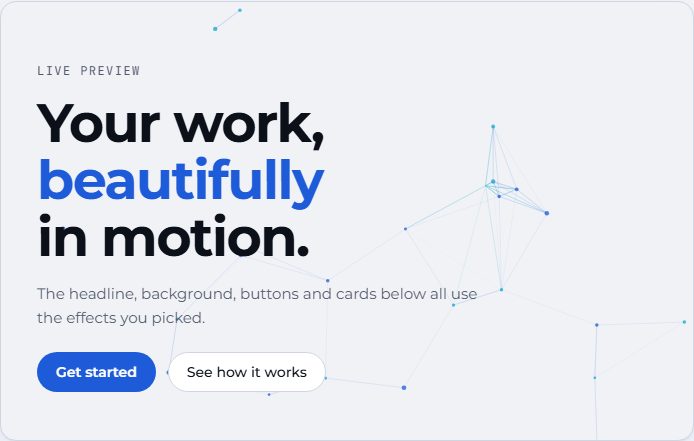
Particles hero background behind a headline
ParticlesLinked particles the pointer pulls together.
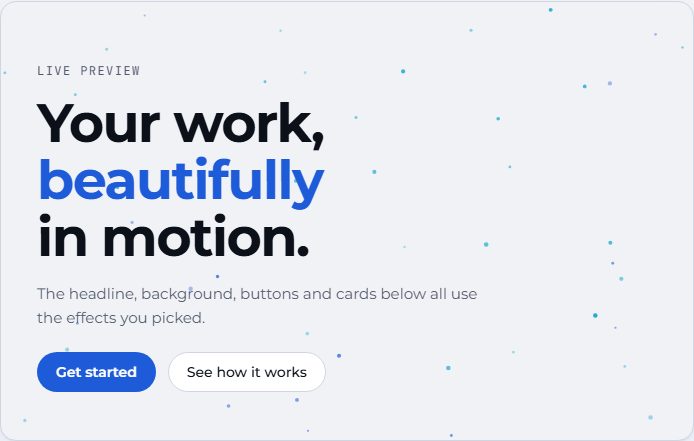
Starfield hero background behind a headline
StarfieldTwinkling stars with pointer parallax.
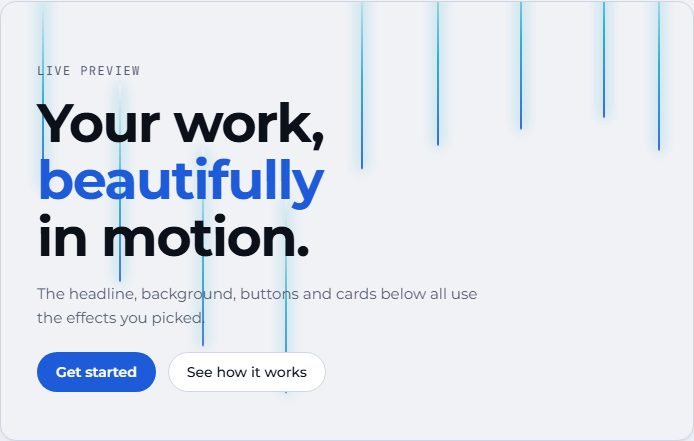
Light beams hero background behind a headline
Light beamsBeams of light sweeping down. CSS only.
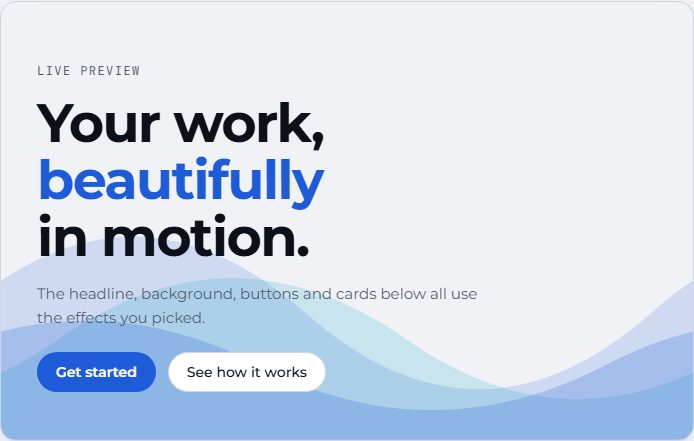
Waves hero background behind a headline
WavesLayered waves rolling along the edge.
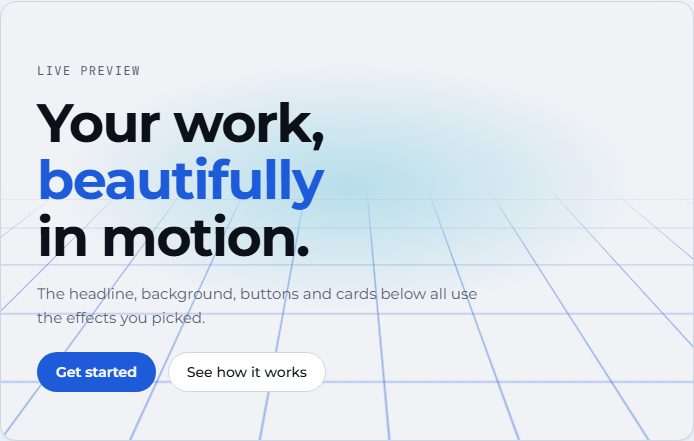
Perspective grid hero background behind a headline
Perspective gridA grid receding to the horizon.
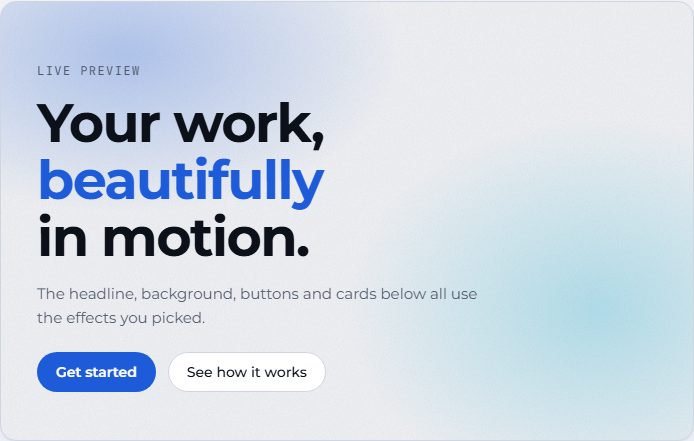
Grain gradient hero background behind a headline
Grain gradientGradient washes under film grain.
Spotlight hero background behind a headline
SpotlightA soft light that follows the pointer.

8 headline animations

Split lettersSplit wordsBlur inTypewriterGradient accentShimmerDecodeRotating word

The real text always stays for screen readers and search engines; the animation only changes how it appears.

Buttons, cards and reveals

MagneticShineRippleGlow borderTiltSpotlightLiftFadeScaleBlurSlide

They act on every card and primary button the site already has, so nothing needs rewiring.

Extras, and the rules

Cursor glowScroll progressClick sparksCount-up numbers

Reduced-motion is honoured, touch screens skip pointer-follow effects, and canvases pause when off screen. Each rule is checked by the verifier.

Figures

Little drawings that answer the pointer.

Padlock line figure, an isometric drawing that answers the pointer
PadlockOn the sign-in card. The shackle lifts as you reach.
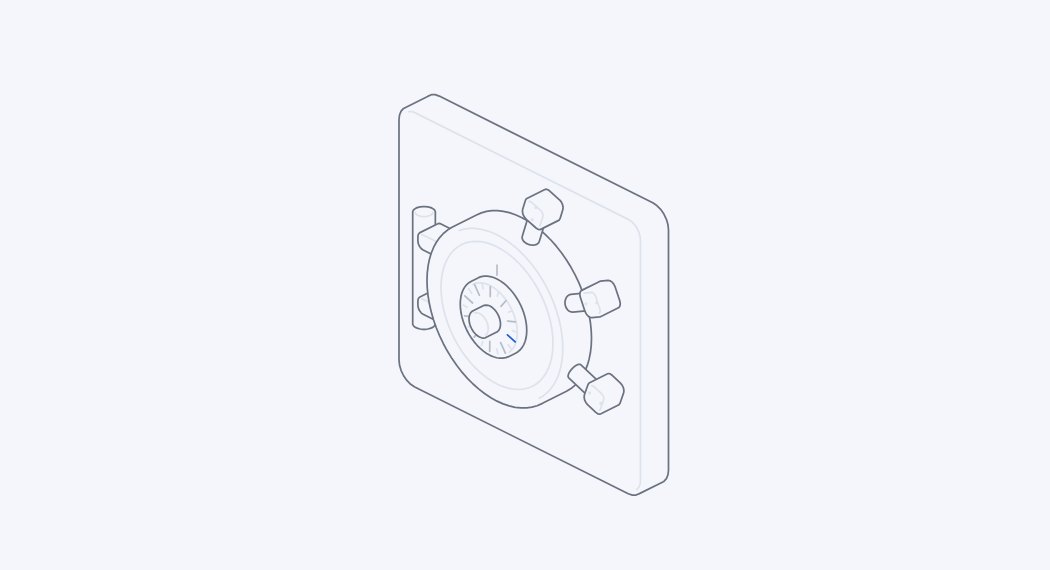
Vault line figure, an isometric drawing that answers the pointer
VaultOn account sign-in. Turn the dial; the bolts draw back.
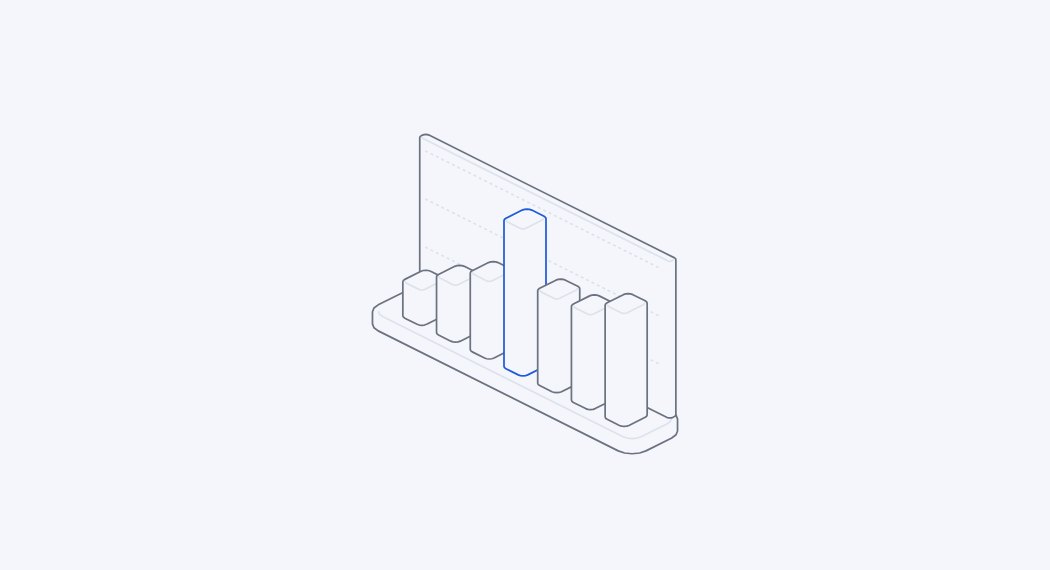
Bars line figure, an isometric drawing that answers the pointer
BarsWhere a dashboard is empty. New here.
Scanner line figure, an isometric drawing that answers the pointer
ScannerOn the connect page. A scan line follows you. New here.
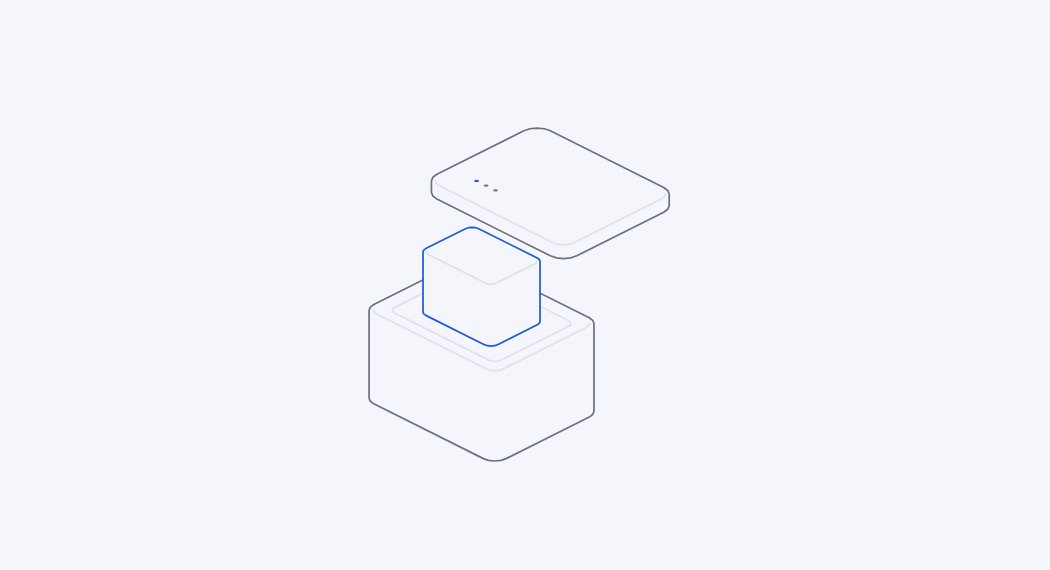
Parcel line figure, an isometric drawing that answers the pointer
ParcelBeside the releases. Move up and it opens. New here.
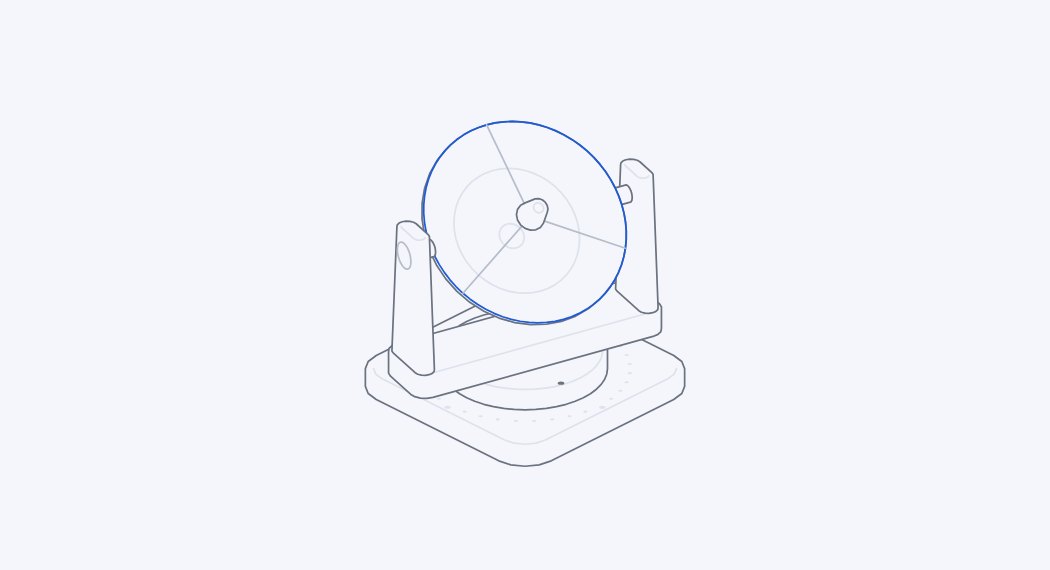
Dish line figure, an isometric drawing that answers the pointer
DishOn the 404 page. It looks for a signal.

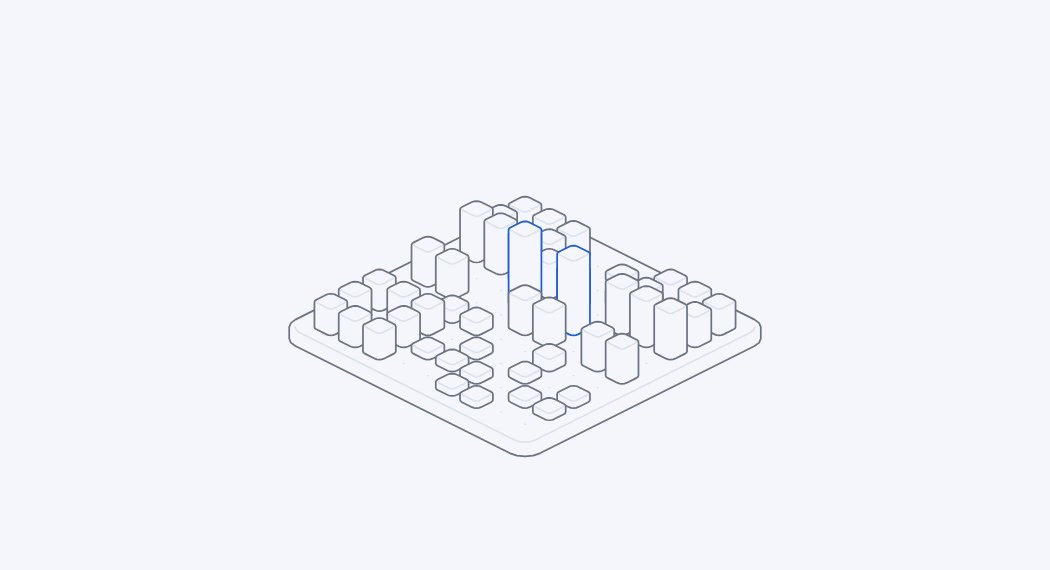
22 figures, placed where they mean something

TerrainExplodedPadlockVaultPhoneLaptopCabinetBranchesDishRouterRiffleKeyboardTurntableBarsScannerParceland six more

Small isometric drawings, placed where they mean something: a padlock on the sign-in card, a scanner on the connect page, a box that opens beside the releases, a bar chart where a dashboard is empty, a dish on the 404 page. Say figures: auto and each place gets its fitting figure, or choose them one by one. They wear your brand colours, and you can swap one later in a second. Nineteen come from Hairline by Lucas Marques (MIT); Bars, Scanner and Parcel are new.

Icons, from 200,000+ open ones

NavigationStat cardsStatus chipsFeature listsStory steps

Write <Icon name="rocket" /> anywhere in your pages and it just works: the project finds it and brings the icon in by itself, as you save and before every build. No list to keep, no command to run. Describe it instead (<Icon for="Shipped orders" />) and the fitting one is chosen, from your own vocabulary first. Say icons: auto and the navigation, stat cards and chips get theirs; better-icons finds the names. Inline SVG in the colour of the text, only the icons you use, no library and no request at run time. Each set keeps its licence in a notice file, and every icon is checked for anything that is not a plain drawing before it is written.

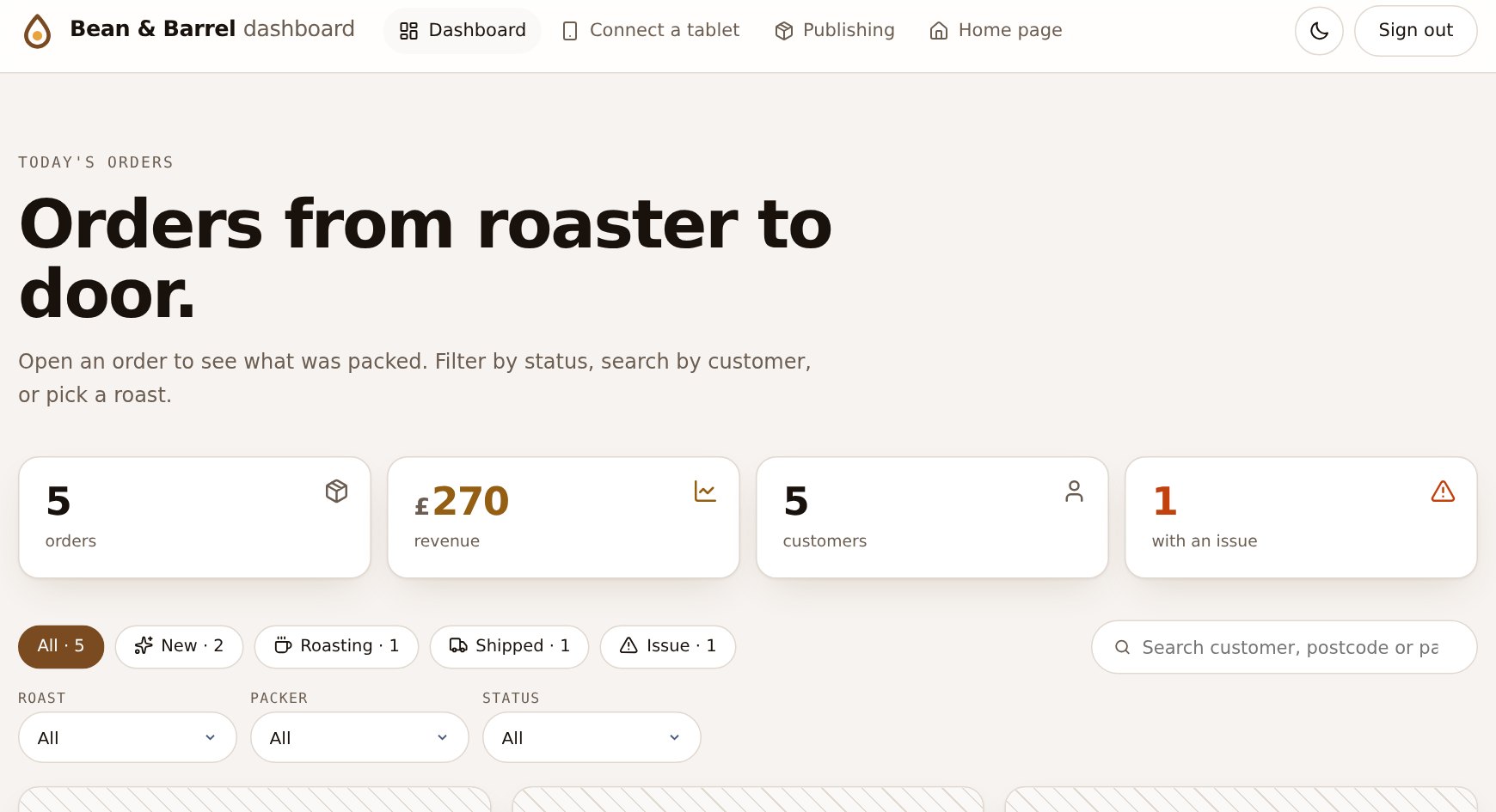
A generated orders dashboard with an icon on each header link, each stat card and each status filter chip
DashboardHeader links, stat cards and status chips, with icons: auto. The icon takes the card's tone.
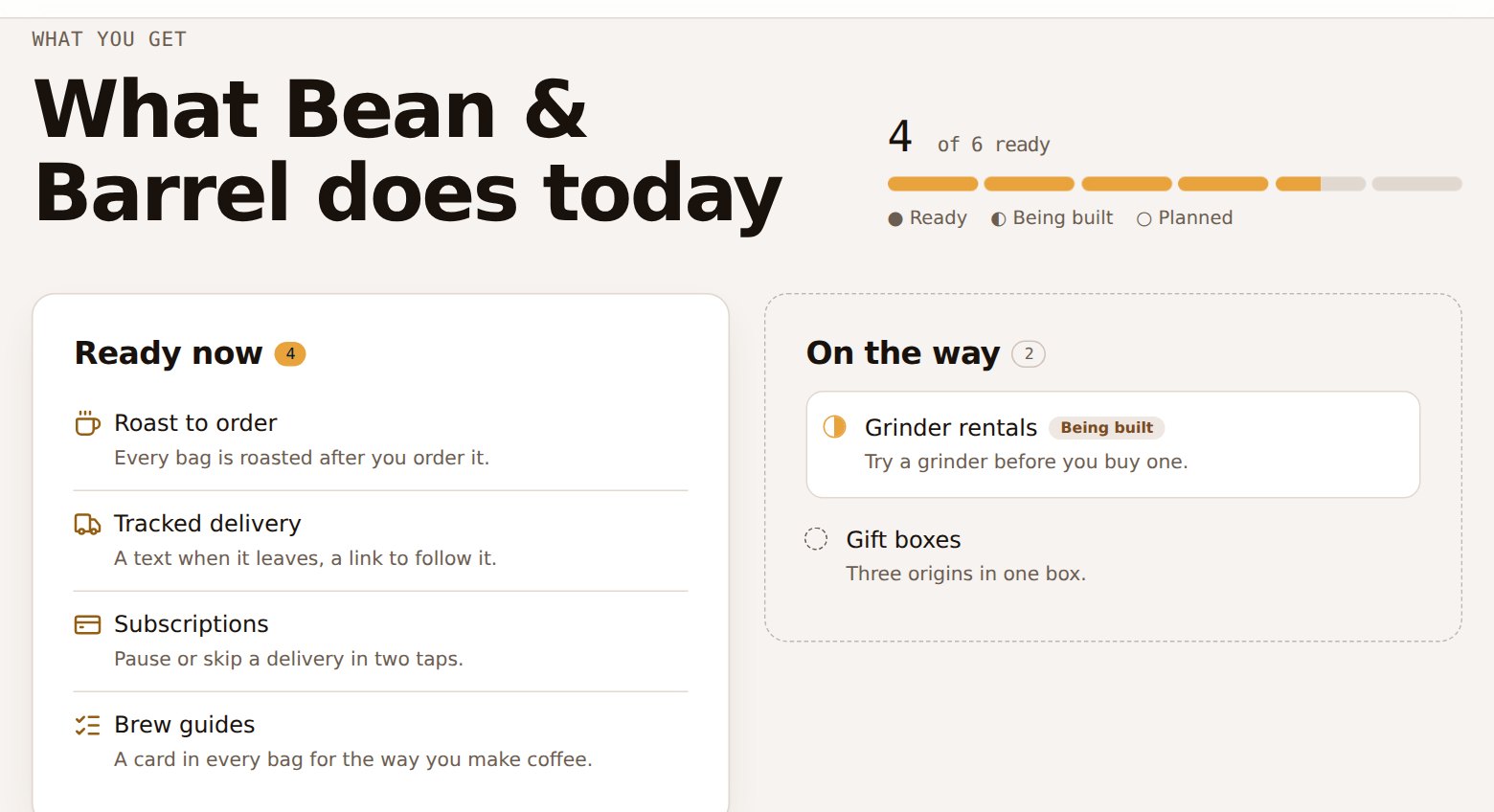
A generated features list where each ready feature has an icon in place of the usual dot
Features listAn icon where the dot was. Titles that name nothing keep their dot.

209 icons ship with it, in 12 groups

Interface, Arrows, Status and feedback, Devices and tech, Commerce and delivery, Food and drink, People and security, Communication and media, Files and data, Charts and time, Places and travel, Work, health and nature. Behind them: Lucide's 1,866, Tabler's 6,220, and the rest of Iconify's 200,000+.

Browse all 209 icons

Try every one, live

Pick a background, headline, button and card style, change the brand colours, then copy the config. This is the same /effects page the skill can generate for your own site.

Open full screen
sitewright-skill.vercel.app/demo/effects
Mobile first

Made for the phone in your hand.

Every page is checked at 390 px and 360 px wide: no sideways scrolling, tables that scroll inside their card, filters in one swipeable row, and controls at least 44 px tall on touch screens.

Landing page on a phone
Landing page
Dashboard on a phone
Dashboard
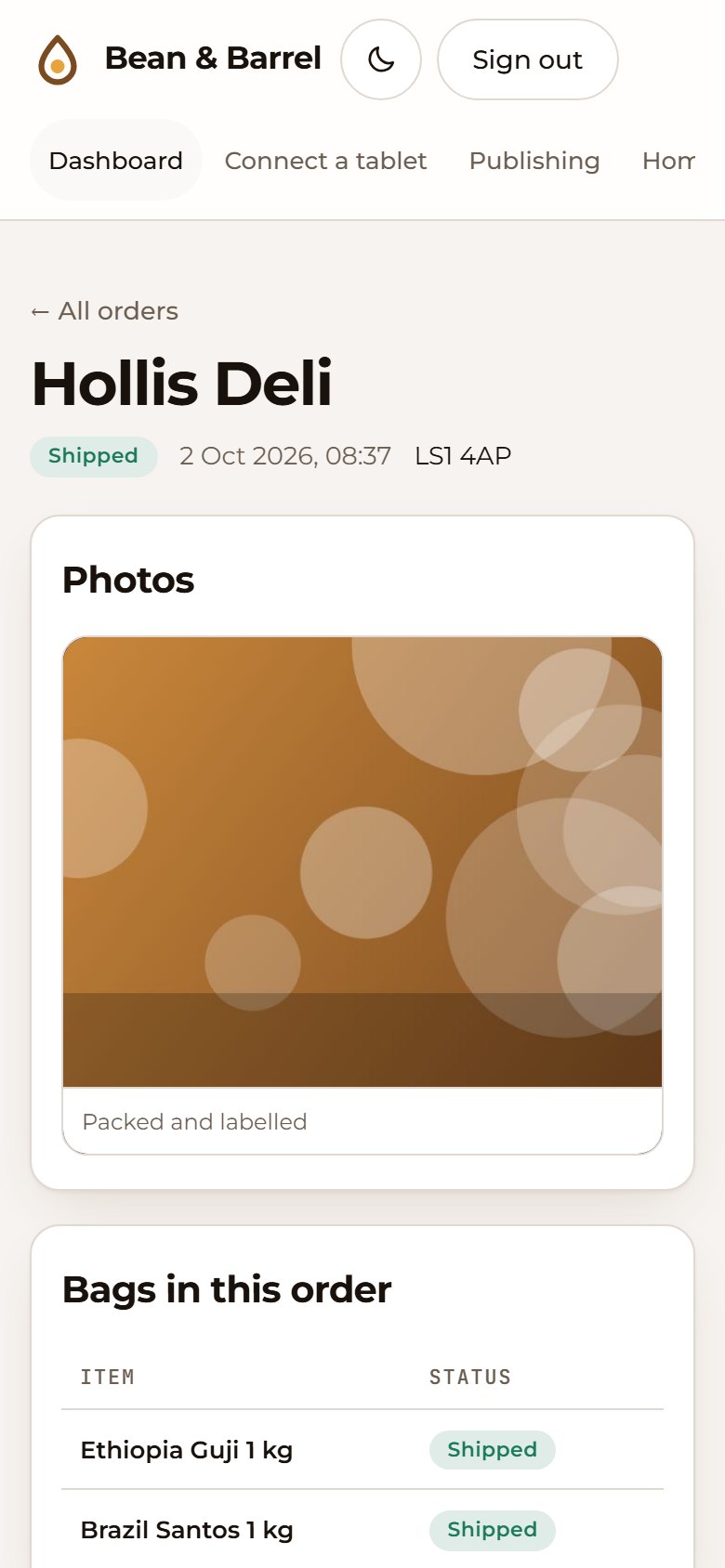
Order detail on a phone
Record detail
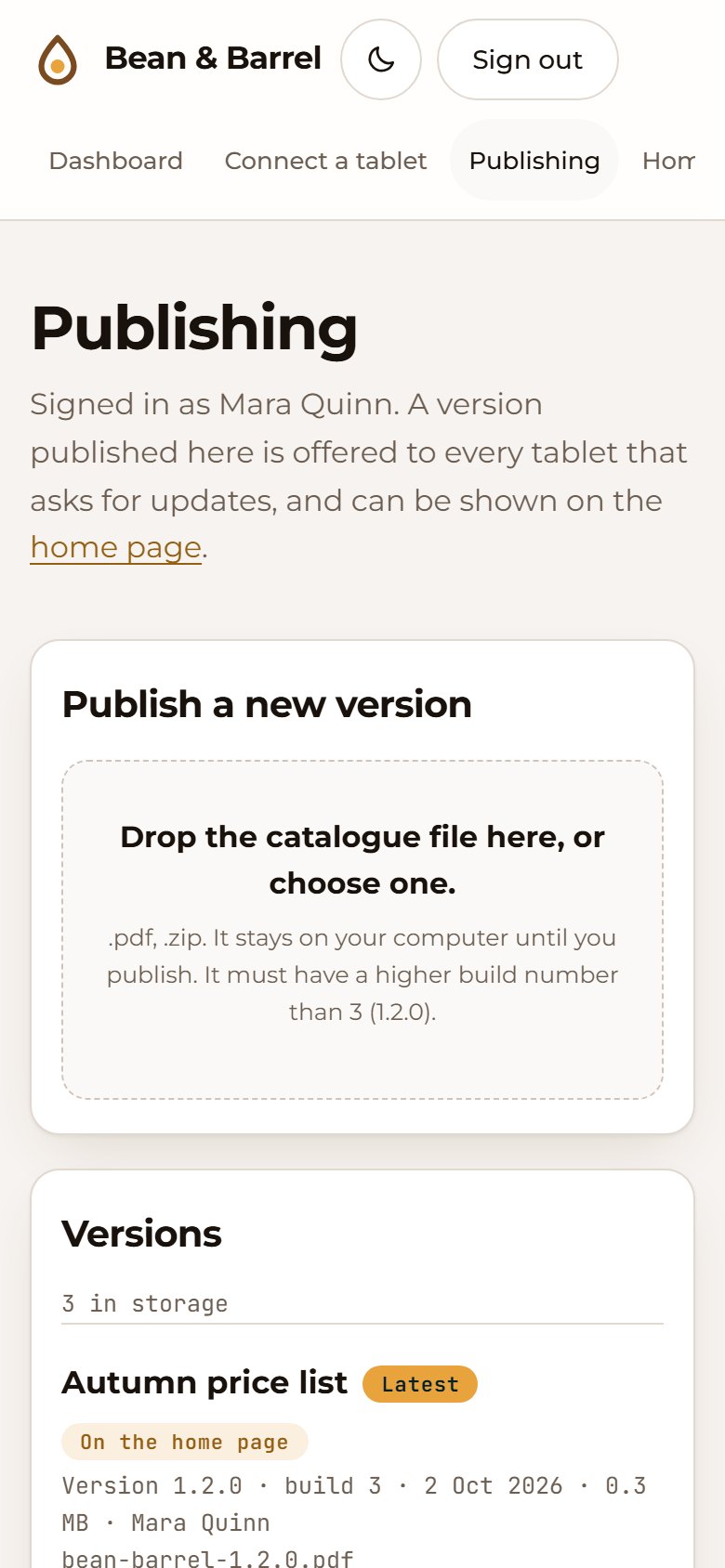
Publishing area on a phone
Publishing
Light and dark

Two palettes from two colours.

Give it a primary and an accent colour. It derives the washes, the text colours (checked for contrast) and a lighter dark-mode variant. Dark follows the device, with a toggle in every header.

Landing page in light mode
Light
Landing page in dark mode
Dark
New

Write the code. The kit does the rest.

Nothing to register. Use an icon or figure and the project wires it up as you work.

Just write it; npm run dev picks it up on save
<Icon name="rocket" />
<Icon name={ok ? 'check' : 'x'} />
<Icon for="Shipped orders" />  // icon from the words
<Figure place="connect" />      // pointer-reactive drawing

Icons follow your code

Missing icons are fetched while npm run dev runs and before every build. Typos come back with a “did you mean”.

Licences checked

Attribution goes into a NOTICE file for you; a set you cannot use is refused.

Dev server fixed

npm run dev no longer 500s on database pages, and every test run starts it to be sure.

Single-module sites work

Sign-in-only sites get a proper home page instead of a redirect loop.

Browse the icons

Under the hood

A real backend, not a mock-up.

The output is an ordinary Next.js 15 / React 19 / TypeScript project that you own. No runtime dependency on this skill.

Layered sign-in

Shared-password cookie, named MFA accounts, a bearer ingest token and per-tester codes — four separate layers, never merged.

Direct-to-storage uploads

Clients get short-lived signed URLs and PUT files straight to storage; the app only sees small JSON. Local, S3/R2 or Azure Blob.

Idempotent ingest

Re-sending the same record id updates it instead of duplicating it, so a phone that retries after losing signal does no harm.

Postgres, with zero setup

Runs on embedded Postgres (PGlite) out of the box and switches to your DATABASE_URL in production. Schema is created for you.

Secure by default

Scrypt password hashes, HMAC-signed cookies, constant-time compares, escaped config text, replay-proof authenticator codes.

Your vocabulary

Tell it a record is an “order”, a “matter” or a “loaf” and every label, heading and empty state follows.

Install

Two minutes, then ask Claude.

A skill is a folder Claude Code reads at the start of a session. Installing Sitewright means copying one folder into ~/.claude/skills/.

1 · Get the repo and install
# personal install: available in every project
git clone https://github.com/raj742133/sitewright
cd sitewright
./install.sh
Or only for one project (commit it to share with your team)
cd your-project
/path/to/sitewright/install.sh --project
1 · PowerShell
# personal install: available in every project
git clone https://github.com/raj742133/sitewright
cd sitewright
.\install.ps1
Or only for one project
cd your-project
C:\path\to\sitewright\install.ps1 -Project

If PowerShell blocks the script: powershell -ExecutionPolicy Bypass -File .\install.ps1

Copy the folder yourself
git clone https://github.com/raj742133/sitewright
mkdir -p ~/.claude/skills
cp -R sitewright/skill/sitewright ~/.claude/skills/

On Windows the target is %USERPROFILE%\.claude\skills\sitewright. For a single project, copy it to .claude/skills/sitewright inside that project instead.

2 · Once, for the browser tests
npm i playwright
npx playwright install chromium

3 · Start a new Claude Code session and ask

Use Sitewright to make a landing page and a dashboard for my business. /sitewright I need a publishing page where my team uploads releases, with MFA sign-in. Give the landing page an aurora background and a split-words headline.
Tested, and honest about it

Generated, built, and driven in a browser.

Every example below was scaffolded from its config, type-checked, built for production and exercised with Playwright in Chromium. Results are checks passed out of checks run on the final templates.

15different sites generated and run
910browser checks passed across the fifteen sites
3viewports: 1280, 390, 360 px
2real Android APKs parsed, published and downloaded back
6×warm-cache load of every page type, no hydration errors
SiteWhat it exercisesResult
Bean & Barrelall six modules, PDF/ZIP publishing, testers88 / 88
PulseFitall six modules; real-APK checks need the APK files, not run in the latest pass65 / 65
Halden Legallanding, sign-in, dashboard, connect; monogram logo, navy and gold61 / 61
Pixel Studiolanding and MFA only35 / 35
Sunny Side Bakerynear-white brand colours (contrast adjustment)76 / 76
Midnight Couriernear-black brand colours, other fonts, PDF/CSV publishing76 / 76
Quotes, tags, bracesa brand name full of ", <b>, {x}, backticks and a backslash76 / 76
Orbit Labsa single module: landing only13 / 13
Field Notes Pressa single module: publishing only (brings MFA and the API)25 / 25
Acme Cojust a brand name, everything else defaulted76 / 76
Bean & Barrel + effectsaurora-glass preset, beams behind the sign-in card, cursor glow, scroll progress, count-up113 / 113
Play Houseparticles, split letters, ripple buttons, tilt cards, click sparks, stars on sign-in70 / 70
Ripple Workswaves, rotating headline word, magnetic buttons, glow-border cards, slide reveal60 / 60
Grid Labstech-grid preset: perspective grid, decode headline, spotlight cards65 / 65
Effect Labthe live effects gallery: every background, headline, button, card, reveal and extra11 / 11

Checked

  • Sign-in, wrong password, open-redirect attempts, sign-out
  • MFA enrolment with its own TOTP, replay refusal, single-use invites
  • Upload, publish, build-number ordering, byte-identical downloads
  • Ingest: auth, idempotency, bad ids and statuses refused
  • No sideways scroll on phones; finger-sized controls; no console errors
  • Effects: headline text stays readable to screen readers, canvases stop drawing off screen, reduced-motion shows the final state, touch screens skip hover effects

Not covered yet

  • next dev: it crashed with PGlite on the Node versions tried here; production builds are what is tested
  • Real phones, Safari, Firefox and tablets — only Chromium at three widths
  • S3 and Azure storage against a real bucket; a real Postgres server
  • Brand names over ~24 characters in the phone header
FAQ

Questions people ask.

Does the generated site depend on Sitewright?

No. You get a normal Next.js project in a folder of your choice. Delete the skill and the site keeps working.

Can I generate just one page, like only a landing page?

Yes. Choose only landing and you get just that, with no database or sign-in. Dependencies are added only when a module needs them.

Where does my data live?

In your own database and storage. In development it is an embedded Postgres in a folder inside the project plus local files. For production you point DATABASE_URL at Postgres and choose local, S3/R2 or Azure Blob storage.

Does it make up numbers or testimonials?

No. Sections that need facts (proof numbers, feature lists, compatibility) are off until you give real content. The demo screenshots here use clearly fictional data.

How secure is the sign-in?

It follows common practice: scrypt hashes, signed cookies, authenticator codes that cannot be reused, lockout after repeated failures. It has not had an independent security audit, so review it before putting anything sensitive behind it.

Where do the effects come from? Is this React Bits?

No. Libraries like React Bits show what animated, copy-paste components can do, but their licence (MIT with the Commons Clause) does not allow redistributing them inside another package. These effects are written fresh for this kit, need no animation library, and are MIT licensed like the rest. The line figures are the exception: nineteen of them are Hairline by Lucas Marques, also MIT, included with its licence notice; three more are new here. Icons come from the open sets behind Iconify, found with better-icons (MIT), each under its own licence, which the generated site records.

Do the effects slow the site down or hurt accessibility?

They are built to avoid both: canvases pause off screen and in background tabs, pixel density is capped, pointer-follow effects are skipped on touch screens, and prefers-reduced-motion shows the final state at once. Headline animations keep the real text for screen readers. The verifier measures the pausing and checks the text.

Why does verification need Playwright?

Because a page that builds is not necessarily a page that works. The verifier signs in, enrols an authenticator, publishes a file and filters a list in a real browser, at phone width, and reports exactly what failed.

Can I change the design afterwards?

Yes. The colours are CSS variables at the top of globals.css, the logo is one file, and everything else is ordinary React you can edit. Re-running the generator into a fresh folder gives you a clean baseline to compare against.